🔥 Compact Plug-In Space Heater with Remote Control🏠
🔥 Compact Plug-In Space Heater with Remote Control🏠
 ✓
 ✓
 ✓
 ✓
 ✓
Couldn't load pickup availability
-
Ordered
- - -
Order Ready
- - -
Delivered

🔥 Compact Plug-In Space Heater with Remote Control🏠
500W PTC Ceramic Heating
Mini Plug-In Space Heater with Remote Control
The 500W PTC ceramic element adds supplemental warmth to a small indoor area. The plug-in design keeps your desk and floor clear, and the handheld remote lets you adjust the temperature, fan speed, and timer from your seat.
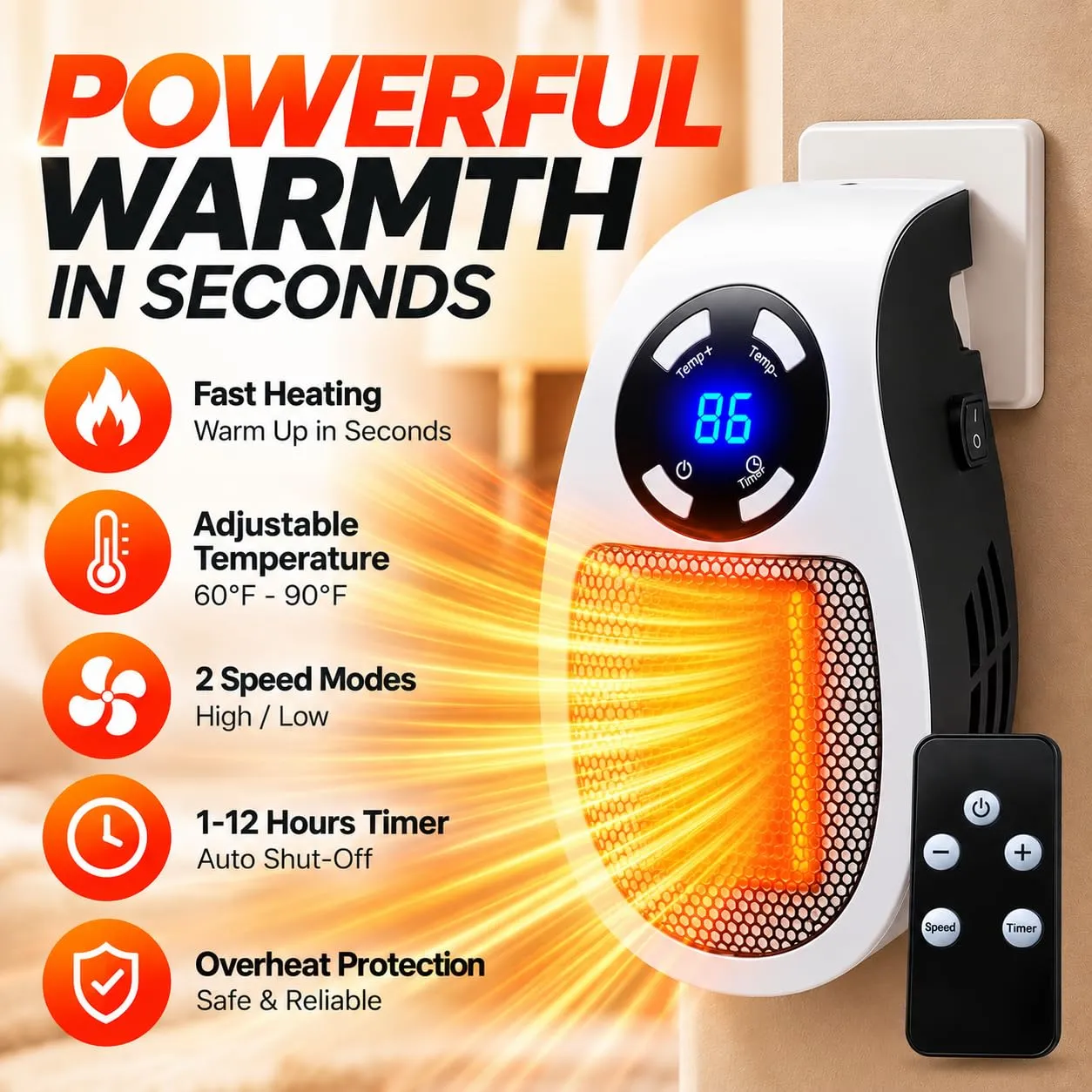
Handheld Remote + On-Unit Buttons
Adjust the Heat From Your Seat
Use the handheld remote to make adjustments while you work or read. The controls on the heater give you another way to change settings at the unit.
- Switch the heater on or off from within the room.
- Raise or lower the temperature, select a fan speed, or set the timer.
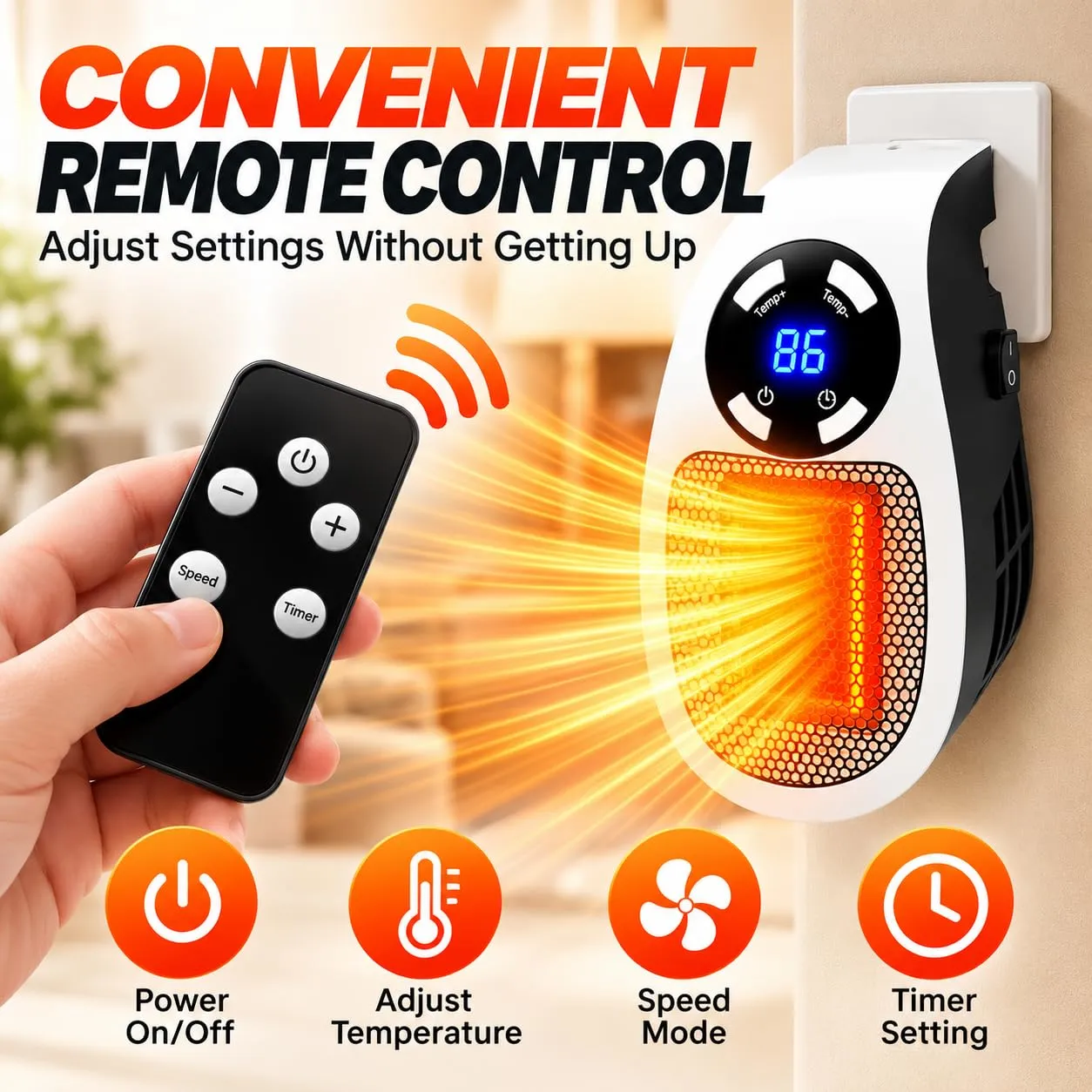
60–90°F · 1–12 Hour Timer
Set the Temperature and Run Time
Choose a target temperature from 60°F to 90°F (approx. 16°C to 32°C). The front LED display lets you check the selected setting at a glance.
- Set the timer in one-hour increments for a reading or work session.
- Use the timer while you’re in the room and switch the heater off before leaving.
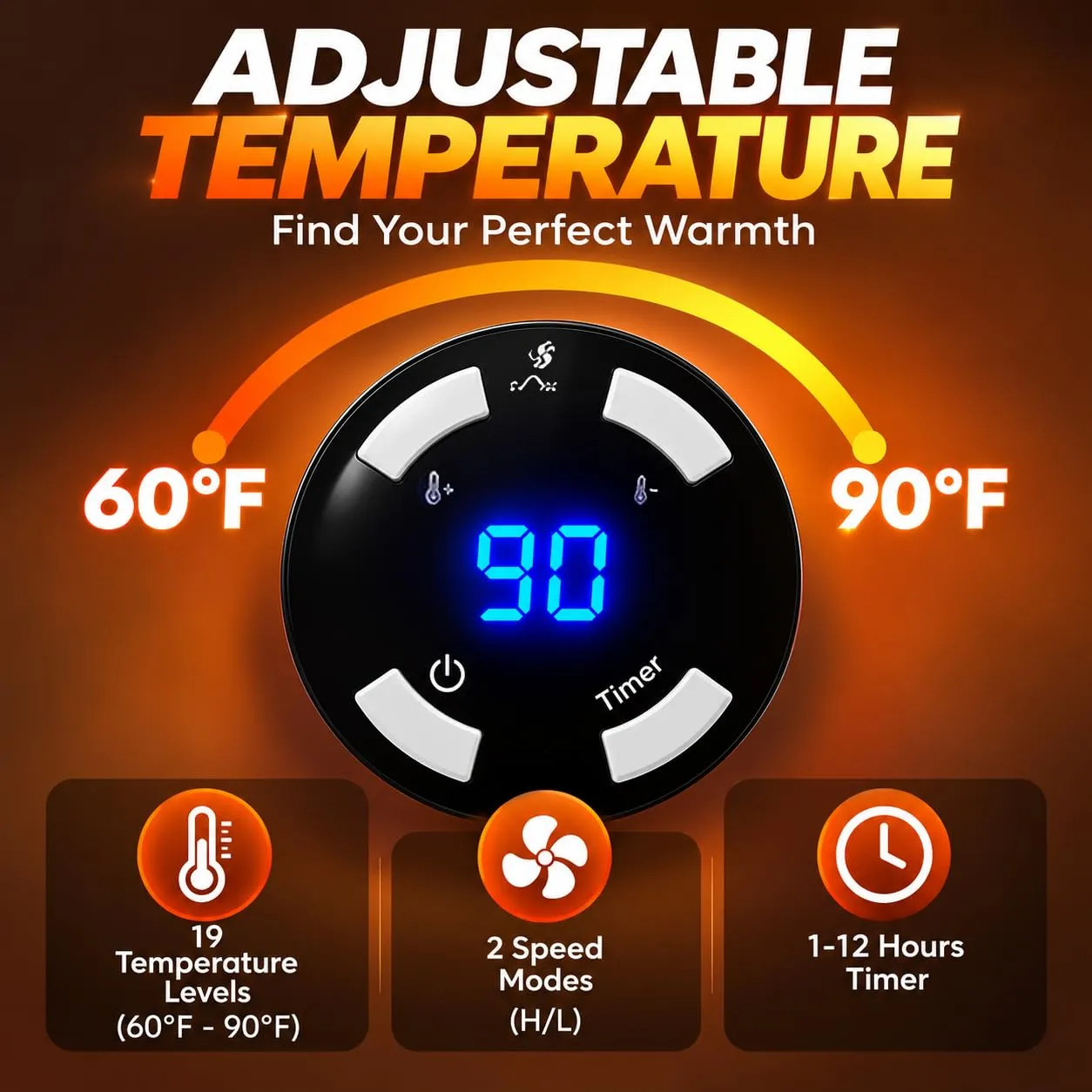
180° Rotating Plug
Keep Your Desk and Floor Clear
The compact body measures approximately 4″ D × 3″ W × 6″ H. Its three-prong plug rotates up to 180° to accommodate different outlet orientations.
- Check the product label before choosing an outlet.
- Plug directly into a compatible wall outlet and keep the vents clear.
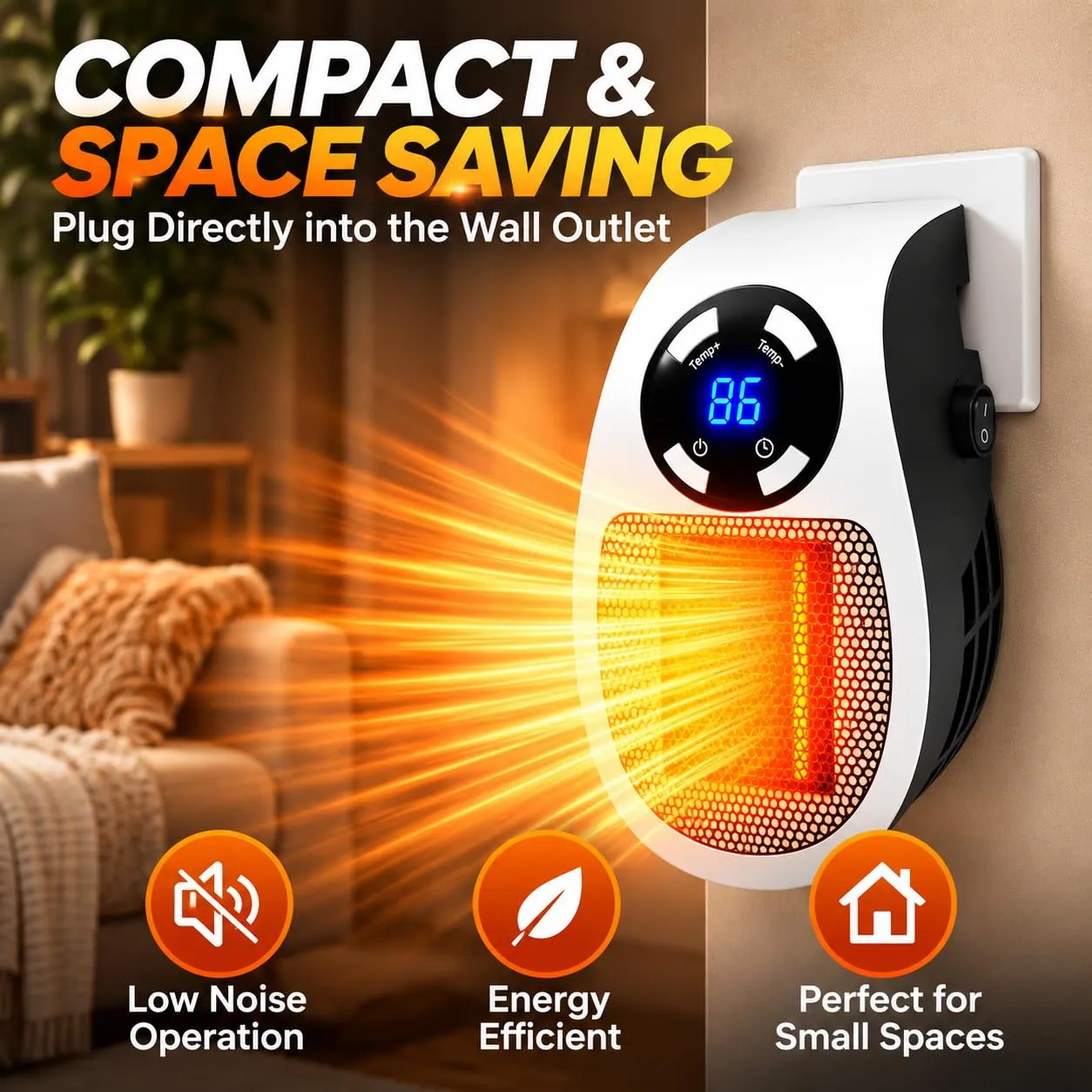
Small Indoor Spaces
Choose a Spot With Room Around It
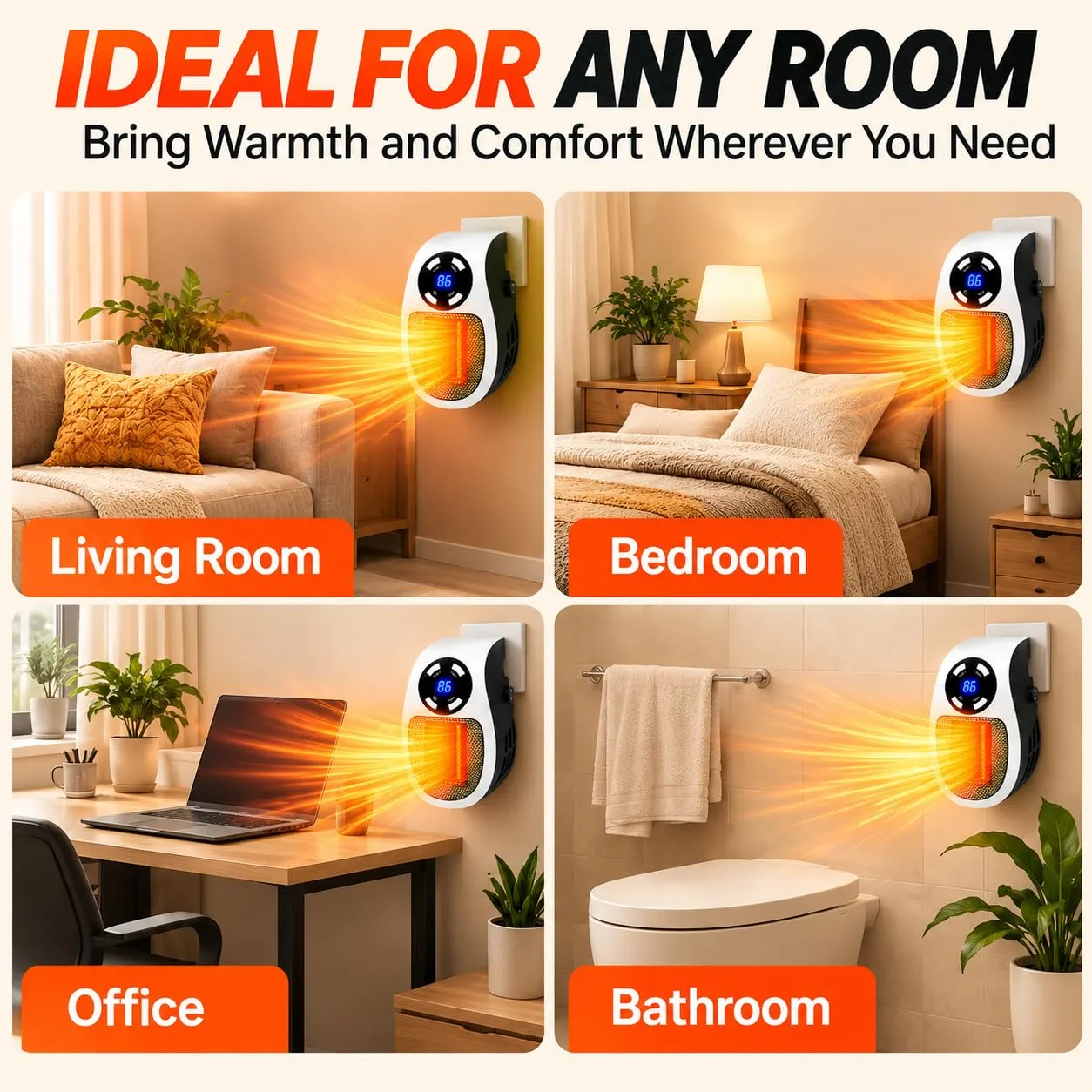
Set it up in a dry home office or reading area with a compatible outlet and enough space around the heater.
- Keep it away from water and at least 3 feet (about 1 meter) from curtains, furniture, bedding, and other combustible items.
- Stay in the room while it’s running.
Home Office Setup
Fine-Tune the Settings as You Work
If your workspace warms up during the day, change the temperature or fan speed from your seat. Check the LED display to confirm the selected setting.
- Choose the settings that feel comfortable for your current activity.
- Switch it off when you finish your session.
Before You Plug In
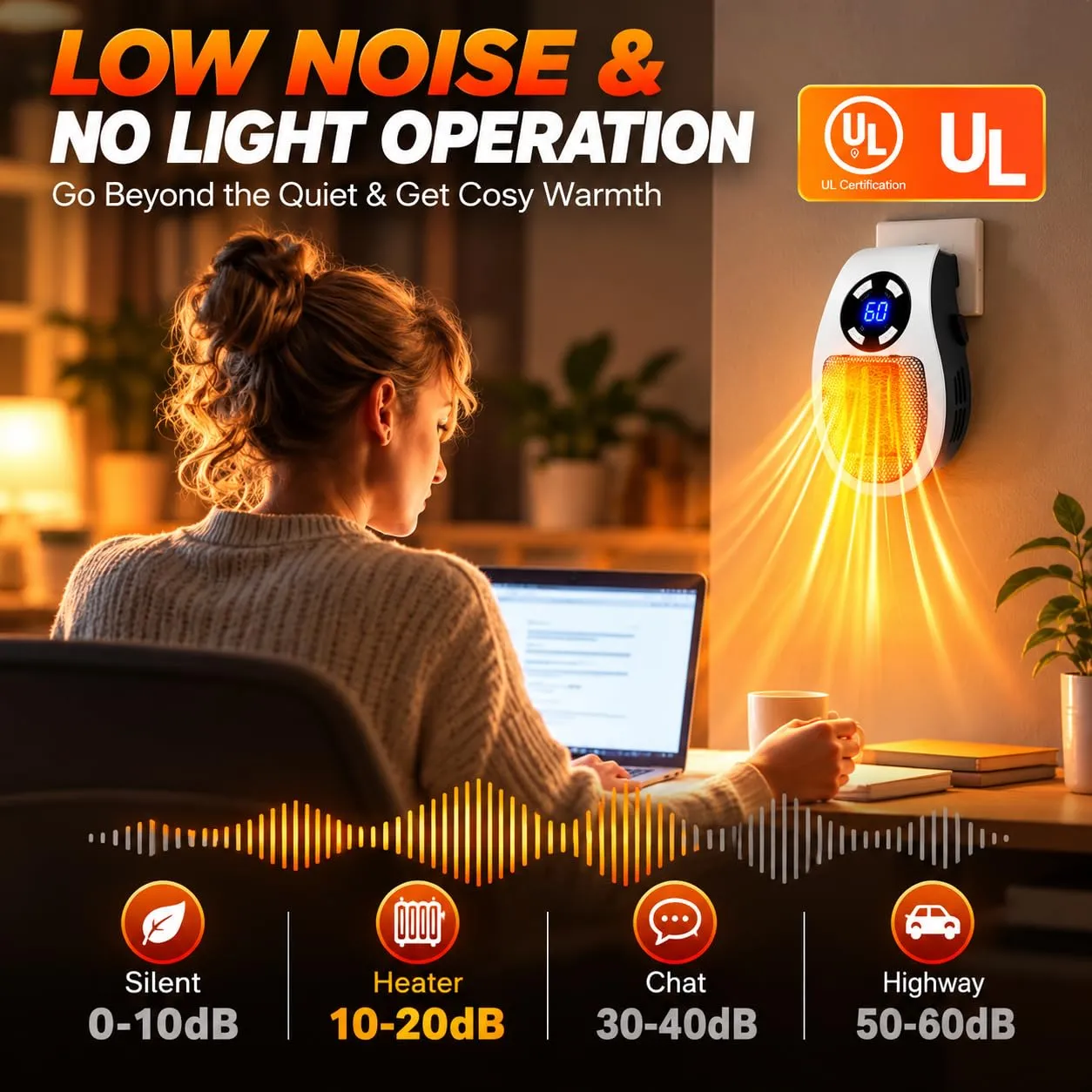
Use the Heater While You’re in the Room
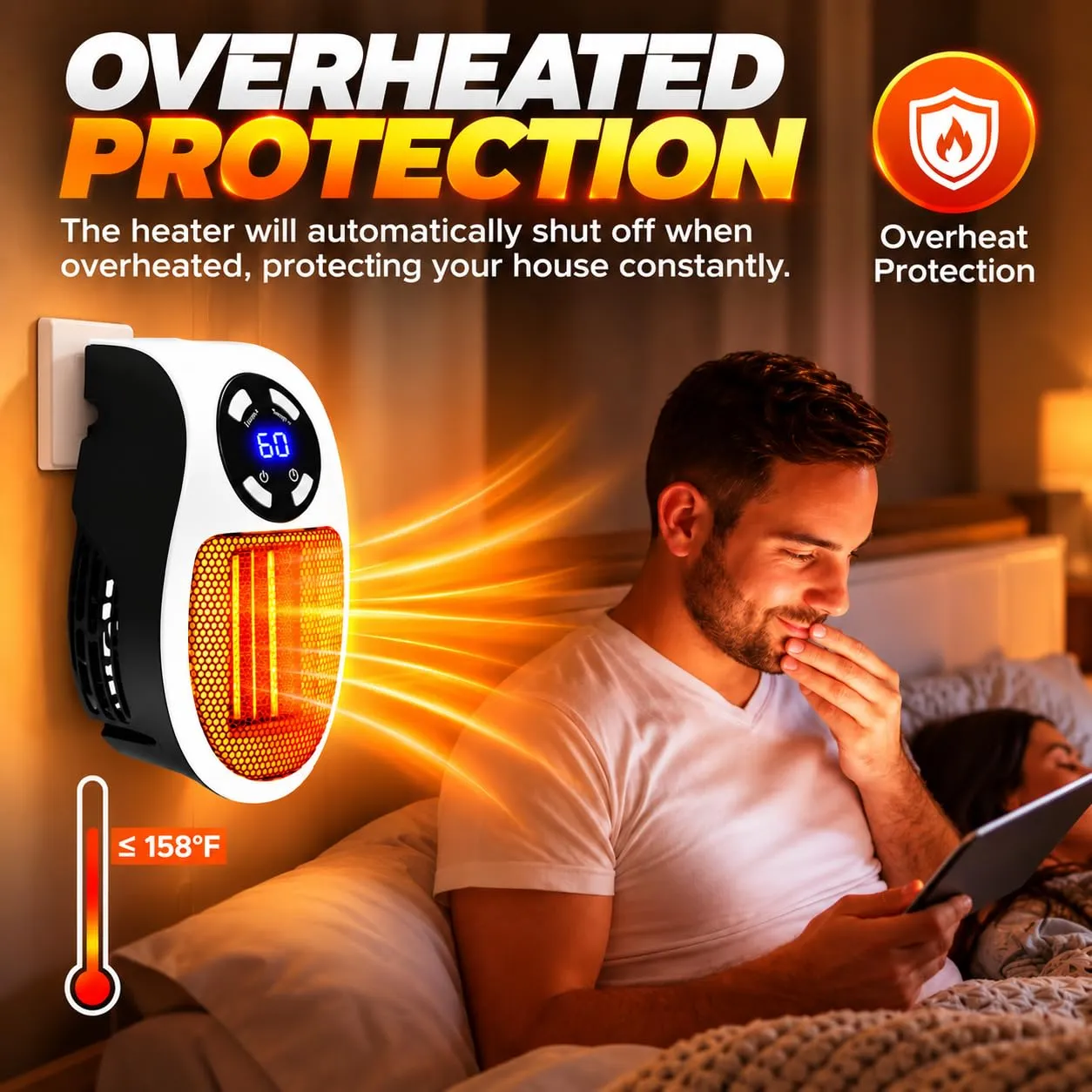
Check the product label and manual for your model’s operating instructions and protection features. Keep the front grille and side vents clear during use.
- Use a compatible wall outlet. Avoid extension cords and power strips.
- Switch it off before leaving the room or going to sleep, even if the timer is set.
Product Specifications
Before You Plug In
- Check the product label and manual. Plug directly into a compatible wall outlet. Avoid extension cords and power strips.
- Use in dry indoor areas, away from water. Keep vents clear and leave at least 3 feet (about 1 meter) between the heater and combustible items such as curtains, furniture, and bedding.
- Switch the heater off before leaving the room or going to sleep.
Frequently Asked Questions
Can I adjust the heater from my seat?
Yes. While you’re in the room, use the handheld remote for power, temperature, fan speed, and timer settings.
What outlet should I use?
Check the electrical rating on the product label and plug directly into a compatible wall outlet. Avoid using an extension cord or power strip.
Can I leave it on while I sleep?
Turn it off before you go to sleep or leave the room, even if the timer is set.
WHY SHOP WITH US? Quality, value, and service you can count on
OUR GUARANTEE Protection and support throughout your purchase